身为一个仓鼠党,下了一些图集,需要保存图片到一个文件夹、擦除 EXIF、快速重命名,工具倒是都有,但是都需要打开各种不同的软件,略有麻烦。
于是根据我自己的需求,开发了一款新的看图软件 :Folio
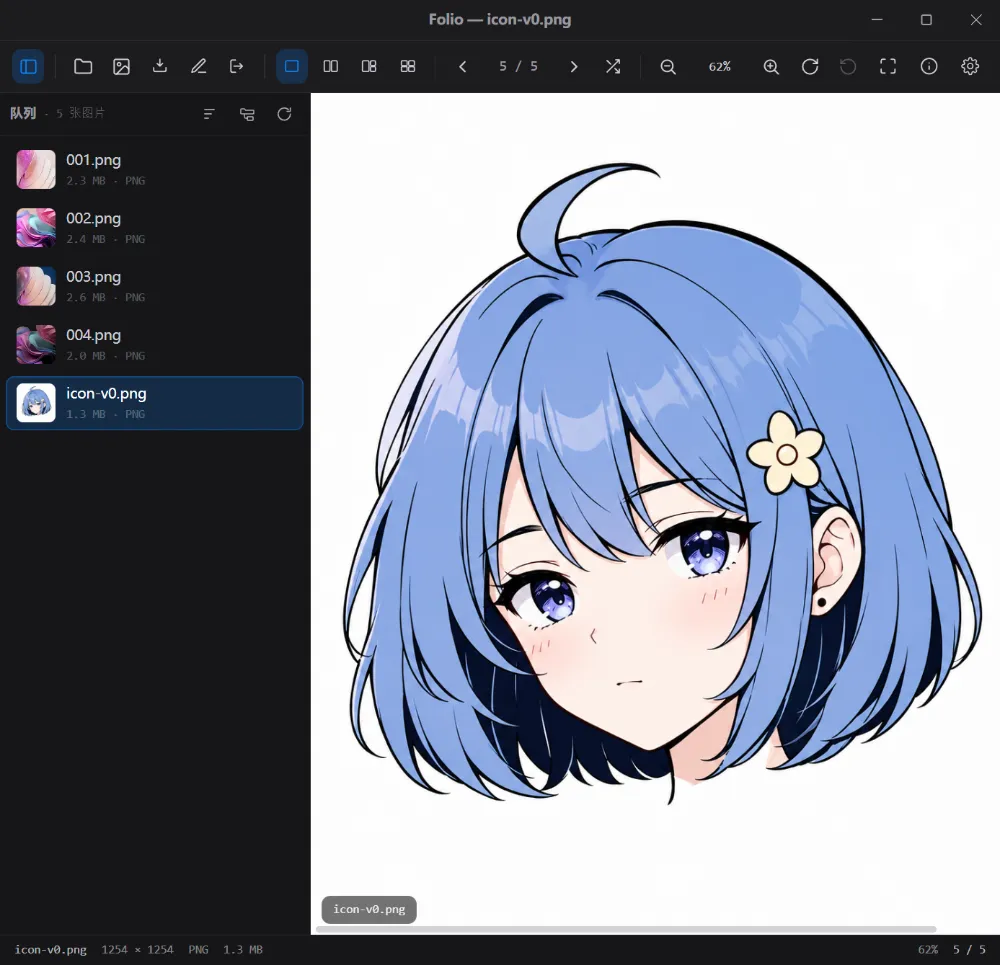
Opus 强力驱动,代码开源: GitHub - Folio
Folio 能做什么
Folio 目前主要围绕几个核心场景:
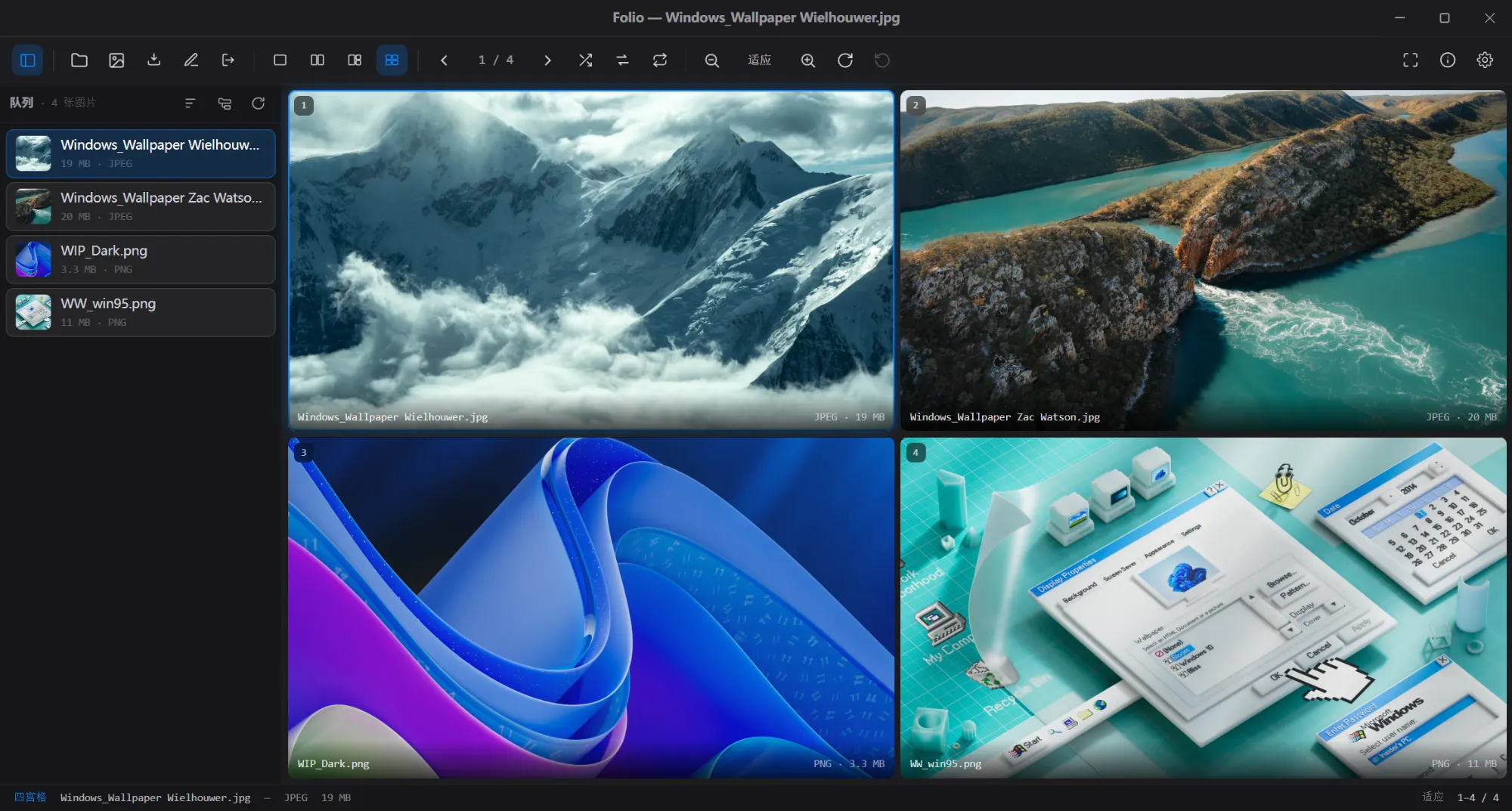
多图并列浏览
这是 Folio 的核心功能之一。最多可以同时打开四张图片并排看,说是用来对比构图、细节、色彩、版本差异。其实就是为了 快速找图集中的 AWESOME 图片 。
Exif 擦除
Folio 内置 Exif 信息查看与擦除功能,擦除支持指定分类。
为什么有人会把信息写到 ImageUnique ID 里啊,Folio 可以擦除它,同时保留其他信息。
批量重命名
支持按规则批量重命名,内置了一些简单的规则,比如加序号、替换字段、按模板生成文件名等。执行前会有预览,避免一键把文件夹搞乱。
格式转换
可以把图片转换成 JPEG、PNG、WebP、AVIF、TIFF 等格式。
支持拖拽
在单图模式下,且是适应的缩放时,支持直接拖拽图片到其他文件夹、网页上传控件中。
开发框架 Electron
Folio 是用 Electron 做的。
好处很明显:跨平台、开发效率高、UI 能做得比较自由,花了周五加一个周末就做出了 MVP 版本, 用 AI 起 MVP ,首选 Electron 。
坏处也很明显:内存一下就起飞了,打开一个充满 40MB 的大图相册,内存直奔 2GB 。
现在的状态
Folio 目前已经完成了主要 MVP 功能,包括基础看图、多图并列、Exif 查看与擦除、批量重命名、格式转换、缓存、预览图、设置持久化。
后续会根据实际使用体验继续优化或是增加功能。
在这里记录一下。
踩坑的地方
macOS 15 的图标
在 macOS 26 上,使用纯白色背景的图片使用下面命令就可以创建图标,系统将自动处理圆角遮罩。
1
| pnpx electron-icon-builder --input=resources/icon.png --output=resources --flatten
|
但是在 macOS 15 上面,装完发现是大大的直角方块,考虑到 Apple 的生态,15 的占有率应该很低了,本来没打算处理的,但是 Claude 给了我一个脚本就解决了。
mkicon.cjs
1
2
3
4
5
6
7
8
9
10
11
12
13
14
15
16
17
18
19
20
21
22
23
24
25
26
27
28
29
30
31
32
33
34
35
36
37
38
39
40
41
| 用项目现成的 `sharp` 生成 macOS 形状的 1024 PNG。脚本(`mkicon.cjs`):
```js
const sharp = require('sharp')
const SRC = 'resources/icons/1024x1024.png'
const OUT = process.argv[2]
const C = 1024 // canvas
const TILE = 952 // white squircle body (fills out near the edge)
const OFF = (C - TILE) / 2 // 36
const R = Math.round(TILE * 0.2237) // ≈ 213
;(async () => {
// 1) rounded mask for the tile
const mask = Buffer.from(
``,
)
const maskPng = await sharp(mask).png().toBuffer()
// 2) artwork resized to TILE and clipped to the rounded mask
const tile = await sharp(SRC)
.resize(TILE, TILE, { fit: 'cover' })
.composite([{ input: maskPng, blend: 'dest-in' }])
.png()
.toBuffer()
// 3) soft drop shadow: a black rounded rect, shifted down, blurred
const shadowSvg = Buffer.from(
``,
)
const shadow = await sharp(shadowSvg).blur(13).png().toBuffer()
// 4) compose: transparent canvas -> shadow -> tile
await sharp({ create: { width: C, height: C, channels: 4, background: { r: 0, g: 0, b: 0, alpha: 0 } } })
.composite([
{ input: shadow, left: 0, top: 0 },
{ input: tile, left: OFF, top: OFF },
])
.png()
.toFile(OUT)
console.log('wrote', OUT)
})().catch((e) => { console.error(e); process.exit(1) })
|